

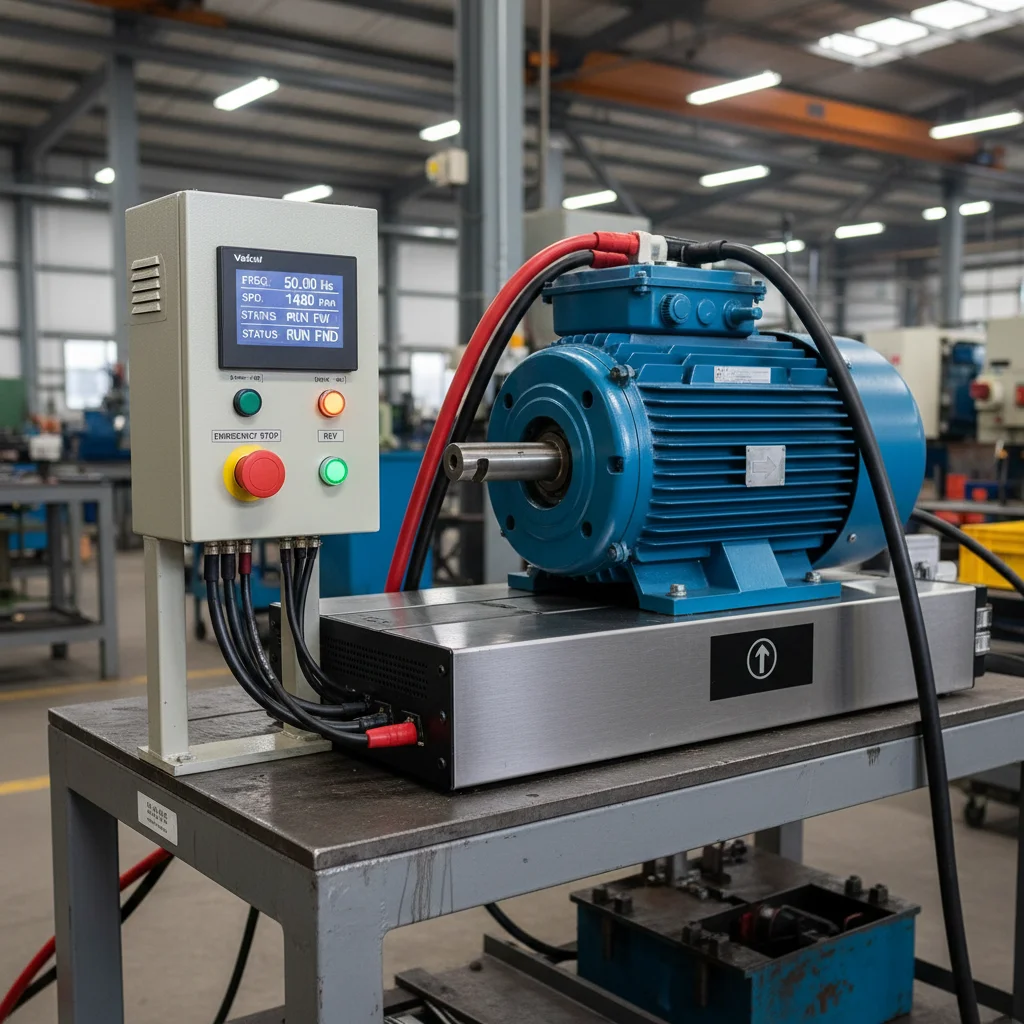
Reverse on Veichi: where the direction parameter lives
Reverse means changing the motor's rotation direction to the opposite one. On Veichi drives the direction is set by a dedicated rotation-direction parameter, not by "swapping phases" at the output. And here is the detail that causes confusion:
- Legacy Veichi series (P-scheme) controlled direction with parameter P0.09;
- Current AC310 and AC10 (F-scheme) — with parameter F07.05 "Rotation direction selection".
If you are looking for "P0.09" but your drive doesn't have it, you are on an F-code series and need F07.05. Throughout this article we refer to the current F07.05 (verified against the AC310 manual, group F07.0x), and mention P0.09 as its historical counterpart.
F07.05 (P0.09): structure of the direction parameter
Parameter F07.05 on the AC310 is multi-digit: each digit (LED position) handles its own function. Verified against the AC310 manual (description of F07.05 "Rotation direction selection"):
| Digit | Function | Value |
|---|---|---|
| LED "0" (units) | Reverse rotation direction | 0 — direction unchanged; 1 — reverse direction |
| LED "00" (tens) | Direction lockout | 0 — both forward and reverse commands allowed; 1 — forward only; 2 — reverse only |
| LED "000" (hundreds) | Direction controlled by frequency | 0 — disabled; 1 — enabled |
In practice this means three different tasks solved with a single parameter:
- It simply "runs the wrong way". The motor rotates opposite to the RUN command — set the units digit of F07.05 to "1" (reverse direction). This is the standard alternative to swapping two of the U/V/W output phases (the AC310 manual explicitly offers both options in the troubleshooting section).
- Block reverse. So the machine physically cannot run backwards (compressor, pump, conveyor — where direction is critical), set the tens digit = 1 ("forward only"). Any reverse command is then simply ignored.
- Reverse only. For the rare schemes where the working direction is reverse, set the tens digit = 2.
Start-reverse logic on terminals
The most common real request is to control start and direction with external buttons (for example, when replacing an old soft starter or contactor scheme with a VFD). The logic is built as follows:
- RUN command channel — terminals. Parameter F01.01 = 1 (control from the control-board terminals). This is the source of the start/reverse commands themselves.
- Terminal mode — 2- or 3-wire system. Parameter F05.20 selects the scheme: 2-wire (1, 2) or 3-wire (1, 2). It defines how the buttons form "forward / reverse / stop".
- 2-wire system 1: one terminal = "forward", the other = "reverse"; a closed terminal = the corresponding direction, opening = stop.
- 3-wire system: a separate "stop" button (normally closed) plus direction buttons — convenient for self-latching control stations.
- Common wire of the buttons. The buttons are wired to digital inputs and switched relative to the common terminal (COM). Input polarity (NPN/PNP) is set by a jumper/parameter depending on where the common point is connected.
So F07.05 is responsible for the permitted direction, while the pair F01.01 + F05.20 handles where and how start and reverse commands are issued. For terminal- and RS485-based control schemes in detail, see remote control of a Veichi VFD; for the general first start-up and basic parameters, see the Veichi setup guide.
Locking the reverse key on the keypad
When control comes from the keypad (F01.01 = 0), the keypad has a multi-function key. Its role is set by parameter F11.02: on the AC10, value "0" makes it the reverse key, "1" — jog; on the AC310, values 1/2/3 assign reverse, forward jog and reverse jog.
A typical shop-floor task is to keep an operator from accidentally changing the direction. Here a combination works:
- either block reverse at the drive level — the tens digit of F07.05 = 1 ("forward only"). Pressing the reverse key then does nothing — this is the most reliable protection, because it works regardless of the command source;
- or reassign the multi-function key via F11.02 so it doesn't perform reverse.
For critical machinery we always recommend the lockout via F07.05 — it is a hardware-logic barrier, not just an "inconvenient button".
When reverse is better avoided
- Compressors, oil and centrifugal pumps, screw blocks — reverse run is harmful (oil-film breakdown, cavitation, block damage). Here reverse should be blocked (F07.05 tens = 1), not made convenient.
- Reverse "on the fly" without a pause — an instant direction change of a loaded inertial machine causes overvoltage during braking (fault ou) and an inrush current. If reverse is required, allow a pause and braking between directions.
The direction question is especially critical for compressor applications — there reverse run is usually disabled altogether. How this combines with sizing the VFD by current and tuning torque is covered in VFD for a compressor: sizing by current, OL2 and torque. You can pick a Veichi drive with the required direction-control logic in the Veichi VFD section.
FAQ
Which parameter performs reverse on a Veichi drive?
On current AC310/AC10 — F07.05 "Rotation direction selection". On legacy P-scheme series it was P0.09. If your drive has no P0.09, look for F07.05.
How do I prevent the motor from running backwards?
With the tens digit of F07.05: value 1 means "forward command only". Then any reverse command (from a button or the keypad) is ignored. This is the most reliable protection for compressors and pumps.
How does reverse differ from remote control?
Remote control (F01.01 + terminals/RS485) determines where start and stop commands come from. F07.05 determines the permitted rotation direction. These are different settings: for remote control, read the separate article.
How do I build a start-reverse scheme on buttons?
Set F01.01=1 (terminal control) and choose the terminal mode F05.20 (2- or 3-wire system). The "forward/reverse/stop" buttons are wired to digital inputs relative to the common COM terminal.
How do I lock the reverse key on the keypad?
It's more reliable to block reverse at the drive level (F07.05, tens = 1). Alternatively, reassign the keypad multi-function key via parameter F11.02 so it doesn't perform reverse.
Can I change direction with reverse instead of swapping phases?
Yes. If the motor runs the wrong way, the AC310 manual offers either swapping two of the U/V/W phases or changing the units digit of F07.05 to "1". Doing it via the parameter is faster and avoids touching the power wiring.
