

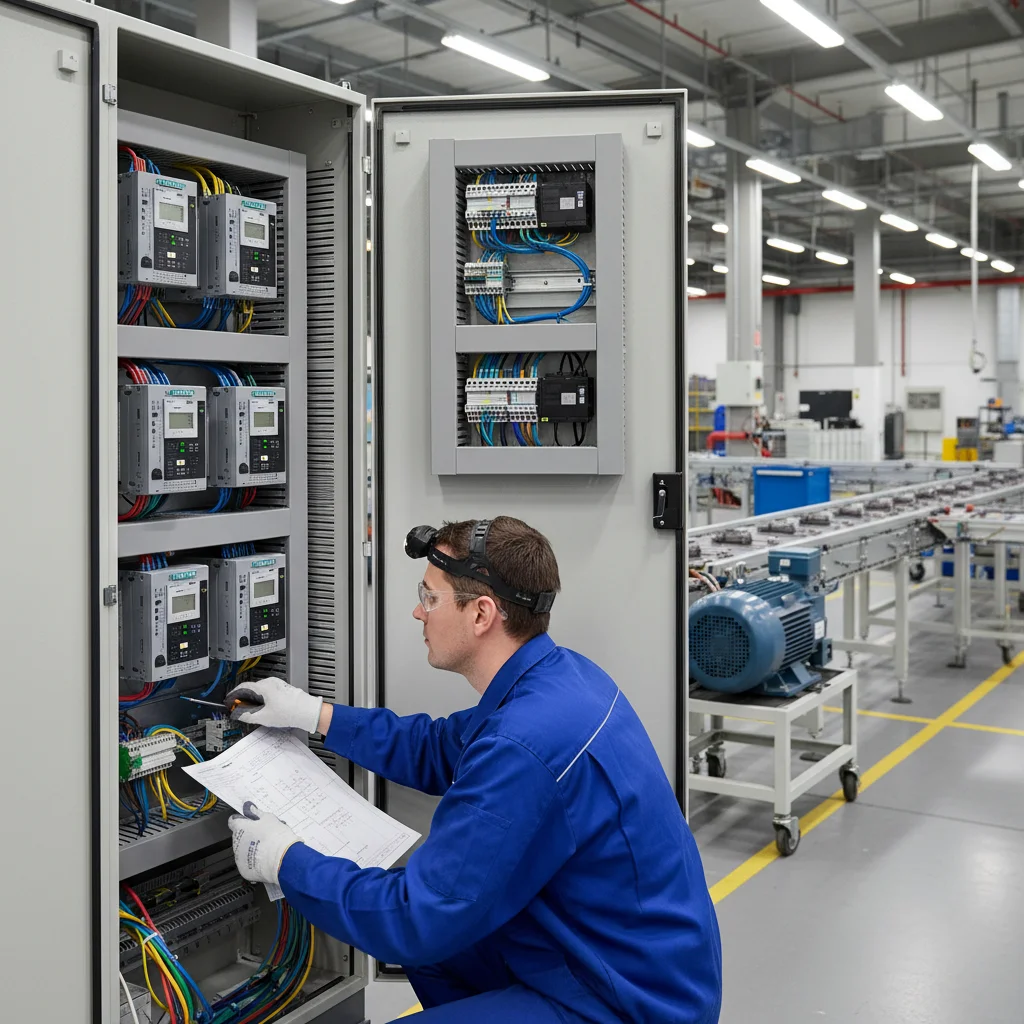
What is actually hard when replacing an Altivar
The power section of a Schneider Altivar and a Veichi is wired the same way: mains to R/S/T, motor to U/V/W, PE to the ground terminal. The difficulty is not in the power side but in the control circuits: a different digital input logic, a different terminal layout and slightly different parameter names. If you simply move the wires over from the old panel, the buttons and sensor will most likely not work. Below is a step-by-step transition map, cross-checked against the AC310 manual.
Step 1. Size by current, not by kW alone
Before touching the terminals — make sure the Veichi is sized by the motor's rated current (A), not by power in kW alone. Motors of the same power can have different currents; sizing "by current" avoids being undersized under load. Ready matching pairs — ATV930 → AC310.
Step 2. Input logic: Altivar is PNP
A Schneider Altivar works by default in PNP logic (positive switching): the active signal is +24 V at the input. Veichi ships as NPN. So on the AC310 (and on the AC10 from 7.5 kW) the +24V/PLC/COM jumper is moved to the PLC ↔ COM position — then the inputs are triggered by applied +24 V, as the Schneider circuit expects.
Power off only. Work on the jumper only after removing power and discharging the capacitors. NPN/PNP logic is covered in detail in the reference article.
How do you quickly tell what the Altivar was? If on the old panel the common wire of the buttons went to "zero" (0 V / COM) and the inputs were activated by shorting to that zero — that is NPN, and the Veichi can be left as factory. If the common was on +24 V and the inputs "switched on" by applying the positive — that is PNP, and the PLC ↔ COM jumper is needed. Most Altivars default to PNP, but it is better to verify in practice than to assume.
Step 3. The common point is COM
Wire the common wire of the control buttons to COM, not to GND. GND on Veichi is for analog signals (potentiometer, sensor) and is bonded to the chassis, so it picks up HF noise. Digital logic — always through COM.
Step 4. Command and frequency source
For the drive to obey the terminals, not the keypad:
| Parameter | Value | What it does |
|---|---|---|
F01.01 | 1 | RUN command source — control circuit terminals |
F01.02 | analog input | frequency reference source (potentiometer/sensor) |
Per the AC310 manual, for terminal control you verify exactly F01.01 = 1 and the corresponding frequency source in F01.02.
Step 5. Assigning the digital inputs
We check which functions were assigned to the inputs on the Altivar and assign the equivalents on the Veichi:
| Parameter | Value | Function |
|---|---|---|
F05.00 (X1) | 1 | forward run (FWD) |
F05.01 (X2) | 2 | reverse (REV) |
F05.20 | 0–3 | 2- or 3-wire control scheme |
If the Altivar used a 3-wire scheme (separate momentary "Start" and "Stop"), select the appropriate 3-wire mode in F05.20 — otherwise the buttons will behave differently than expected. The difference is fundamental: in a 2-wire scheme the input is "held" for the whole run time (a switch), in a 3-wire scheme "Start" is a short pulse and "Stop" breaks the self-holding circuit. If you mix up the mode, the drive will either not start from a momentary button or not stop from a switch. So first determine which scheme was on the old panel, and reproduce its logic in F05.20.
Step 6. Analog signals
- Reference potentiometer — to
+10V,AI1andGND(resistance 1–5 kΩ). - 4-20 mA pressure sensor — to
AI2; switch the input to current mode with the DIP switch, shield grounded at one end to the drive PE.
Step 7. Terminal torque and the old thermal relay
Before start-up, torque all screw connections to the value in the manual (Table 3-4): vibration loosens a poor contact, and that is a path to burning out the power modules. The old mechanical thermal relay in the circuit after the drive is best removed — the drive has a more accurate built-in digital protection, which is set by the motor's nameplate current.
And one more tip from practice: don't run it "at full" right away. After checking the terminals, do a trial start at low frequency, make sure the direction of rotation is correct (otherwise swap two output phases or change the direction with a parameter), and only then take it to the operating mode. That is 5 minutes that save you from surprises under load.
When a simple swap won't work
If the old station communicated over Modbus with specific register addresses, or it is cascade/positioning logic — matching the terminals is not enough; the communication and logic must be reworked. In such cases, start with an audit of the diagram, not by moving wires. The general principles of power wiring are in the series "Connecting a frequency converter", and an example of replacing an Asian drive — INVT GD20 ↔ Veichi AC10.
Mapping table: what goes where
To avoid getting lost in the different parameter names, keep this "migration map" at hand. On the left — what you set on the Altivar, on the right — where to find it on the Veichi:
| What it was on the Altivar | Where on the Veichi |
|---|---|
| Command source (keypad/terminals) | F01.01 |
| Frequency reference source | F01.02 |
| Digital input function (FWD/REV) | F05.00 / F05.01 |
| 2-/3-wire control scheme | F05.20 |
| Motor parameters (current, voltage, speed) | group F02 (from the nameplate) |
| Acceleration / deceleration | accel/decel time group |
Motor parameters (group F02) are entered from the motor nameplate, not copied from the Schneider — different manufacturers have different base values and precision. After entering them it is useful to run auto-tuning, if the mechanics allow it.
See ready calculations for specific models in the material ATV930 → AC310, and the general power wiring logic in the series "Connecting a frequency converter".
FAQ
Can the Altivar settings be transferred to the Veichi one to one?
The parameter names and numbering are different, so "copying code to code" won't work. You transfer the logic: command source (F01.01), frequency (F01.02), input functions (F05.0x). The power section is wired the same way.
Why don't the buttons work after the swap?
Two typical causes: the Altivar was PNP while the Veichi stayed NPN (the PLC ↔ COM jumper is needed), and/or the common wire is connected to GND instead of COM.
Which Veichi should I get to replace an Altivar?
Size it by the motor's rated current. For three-phase applications the reference is the AC310 series; see ready matches in the material ATV930 → AC310.
How long does such a replacement take on site?
If it is a standard drive with buttons and a sensor, and the Veichi is sized correctly, the installation and basic setup is a few hours' work: power section, input logic, command source, analog, trial start. Most of the "delays" are not complexity but missed details from the list above (PNP/NPN logic, COM instead of GND, under-torqued terminals).

