

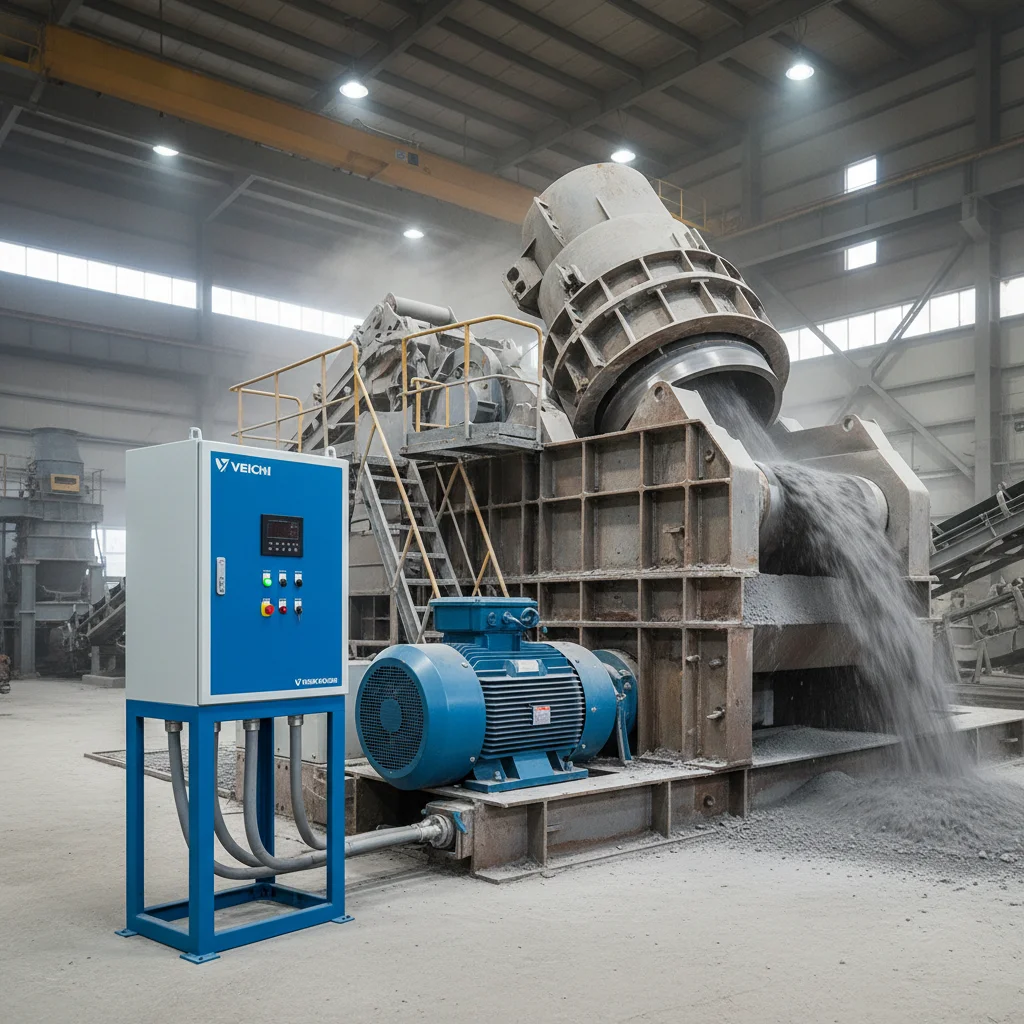
What Flying Start is and why you need it
Flying Start (a speed-tracking start, "catch on the fly") is a mode in which, before the start, the VFD first determines the speed and direction the motor is already spinning at and then smoothly catches up with it instead of starting "from zero".
Why is it needed? Imagine a machine with high inertia — a crusher with a heavy rotor, an industrial fan, a flywheel, a centrifugal pump. After a "stop" command, such a shaft does not stop instantly: it coasts for tens of seconds more. If you issue an ordinary start at that moment, the VFD will try to impose the "start-frequency" speed on the shaft — effectively hitting an already-spinning mass. The result: a sharp current surge (oL2 — inverter overload — is possible) or overvoltage during braking (ou).
Flying Start removes this problem: the VFD "catches" the current speed and continues the ramp without a shock. It is the standard mode for any application where the motor may be spinning by the time of the start.
Parameter F07.00=2 — how to enable the catch-on-the-fly
On the current Veichi series AC310 and AC10, the start mode is set by parameter F07.00 (group F07.0x "Run control"). Verified against the technical manuals of both series:
| F07.00 | Start mode | When to use |
|---|---|---|
| 0 | Start from the start frequency | An ordinary start from a stopped state |
| 1 | DC braking, then start from the start frequency | When the shaft must be held before the start (zero/low speed) |
| 2 | Start after speed tracking and direction detection (Flying Start) | Large inertial loads: crushers, fans, flywheels, coasting after a stop |
So for catch-on-the-fly we set F07.00 = 2. The wording in the AC310 manual: "First determine the speed and direction of the motor, then start the inverter according to the determined speed. This mode is used in cases where the inverter needs to be started after a stop due to a large inertial load" (AC310, group F07.0x "Run control", description of F07.00).
The tracking parameters themselves (search speed and current, time) are in group F07.2x: on the AC310 these are F07.25–F07.28 ("DC braking and speed tracking"). The defaults suit most cases; fine-tuning is needed only on very heavy flywheels.
Crushers: catch-on-the-fly plus a power margin
A crusher is a separate hard case, and here Flying Start solves only half the task. A crusher's starting currents reach 7–10 times the rated value, and the real load at start can be several times the nameplate. From practice: on a system with a motor of about 36 A (≈20 kW) we had to fit a VFD with a substantial margin — on the order of 18 kW+ by the calculation for starting surges.
The working combination for crushers:
- VFD power margin — sizing by the starting current, not by the rating (otherwise oL2 at start is guaranteed);
- Torque boost at low speed (torque boost F04.01 on V/F or, better, the SVC vector mode — F01.00=1) — to move the loaded rotor;
- Flying Start (F07.00=2) — to catch the still-spinning rotor without a shock after a short stop.
Without catch-on-the-fly, restarting a loaded crusher "while coasting" is an almost guaranteed fault. The principles of sizing by current and the fight against oL2 are covered in detail in the article VFD for a compressor: sizing by current and OL2 at start — the logic for a crusher and a compressor is the same.
Safety: catch-on-the-fly ≠ permission for a sudden start
An important warning. Flying Start makes the start shock-free for the equipment, but it does not make it safe for the person. A machine that the VFD can "catch" and spin up at any moment is a source of danger during maintenance.
- Before any work on the machine, de-energise the drive, do not just stop it with a "stop" command.
- For an emergency stop use the dedicated safety circuits (STO terminals where provided), not breaking the power supply with a contactor under load — an abrupt break is harmful to the VFD capacitors.
- If automatic restart after power recovery (F07.06) is enabled together with Flying Start, note that the drive may start on its own after the mains is restored. On dangerous machines, apply this setting deliberately.
When Flying Start is NOT needed
Do not enable catch-on-the-fly "just in case":
- If the machine always stops completely before the next start (there is a brake or little coasting), F07.00=0 is enough.
- If the shaft must be held before the start (for example, to keep a fan from windmilling), use the DC-braking mode F07.00=1.
- At low speed / in jog mode the start-frequency tracking does not work — this is stated explicitly in the AC310 manual.
Step-by-step start setup on a specific series is in the article setting up a Veichi AC310 drive. You can pick a Veichi model for your inertial machine in the Veichi VFD section.
FAQ
What is Flying Start on a Veichi drive?
It is a speed-tracking start mode: the VFD first determines the motor's current speed and direction, then smoothly catches up with it. It is enabled by parameter F07.00=2 on the AC310 and AC10 series.
Which parameter is responsible for catching the motor?
F07.00 (start mode). Value 2 is "Start after speed tracking and direction detection". The tracking parameters themselves are in group F07.2x (on the AC310 these are F07.25–F07.28).
Why does a crusher or a fan need Flying Start?
On high-inertia machines the shaft keeps spinning for a long time after a stop (coasting). Without catch-on-the-fly, a restart produces a current surge (oL2) or overvoltage. Flying Start catches the still-spinning rotor without a shock.
Is automatic catch-on-the-fly safe?
For the equipment — yes, it removes the shock. But the machine may start suddenly, so before maintenance the drive must be de-energised, and an emergency stop should use safety circuits (STO), not a contactor break under load.
Is it F07.00 on legacy Veichi too?
The current AC310/AC10 use F-codes (F07.00). Legacy series with the P-scheme had an analogous start-mode parameter under a different number — check the manual of your specific model.

